Leftify
UX|UI Design Conceptual Accessibility-App
Role: Product Designer & UI/UX Designer
Illustrator
Photoshop
Adobe XD
Adobe Dream Weaver
Deliverables:
Digital Brand System, User Flows, Wireframes, High-Fidelity Interactive Prototype
Project Overview
Leftify is a customizable note-taking app designed specifically with left-handed users in mind, while remaining fully adaptable for right-handed use. The app creates an inclusive, frictionless writing experience by addressing a long-standing accessibility gap in everyday digital note-taking tools.
The Problem
Digital Interface Friction: Existing note-taking apps lack reliable palm rejection, causing accidental palm touches and constant eraser triggers that interrupt writing rhythm.
Control Obstruction: Traditional top toolbars place primary controls (like color pickers and font selectors) directly under the resting palm/wrist of left-handed writers, causing constant screen blockage.
Paper & Digital Limitations: Physical notebooks cause hand strain and smudging, while existing digital apps lack personalized legibility options for messy handwriting.
The Solution
Leftify minimizes physical hand strain and digital interference through a fully customizable workspace designed for flexible, accessible note-taking:
Adaptive Top Toolbar & Mirrored Controls: Features a top positioned toolbar where key controls, such as the Color Picker and Font Size Selector mirror across the bar when toggling between left- and right-handed modes to eliminate palm occlusion.
Seamless Continuous Page Creation: Automatically appends a new page upon scrolling down, keeping the user in an uninterrupted creative flow without needing manual page-creation steps.
Deep Workspace Personalization: Customize background colors, paper line types, and fonts to fit individual writing styles.
Multi-Input Compatibility: Full support for stylus freehand drawing, typing, and external keyboard input.
Smart Handwriting Conversion: Instantly converts freehand writing into clean, legible text using custom fonts.
Deep Workspace Personalization: Customize background colors, paper line types, and fonts to fit individual writing styles.
Multi-Input Compatibility: Full support for stylus freehand drawing, typing, and external keyboard input.
Smart Handwriting Conversion: Instantly converts freehand writing into clean, legible text using custom fonts.
Intuitive Gesture Controls:
2-Finger Double Tap: Instant Undo.
3-Finger Tap: Instant Redo.
One Dot (.): Auto next-line spacing.
Two Dots (..): Auto new-paragraph spacing.
High-Contrast Highlighting: Quick-access emphasis tools for visual recall.
Intuitive Gesture Controls:
2-Finger Double Tap: Instant Undo.
3-Finger Tap: Instant Redo.
One Dot (.): Auto next-line spacing.
Two Dots (..): Auto new-paragraph spacing.
High-Contrast Highlighting: Quick-access emphasis tools for visual recall.
User Testing & Research
Unguided Usability Testing: Tested prototypes with left-handed users given specific tasks without pre-demo instructions to evaluate natural interface intuitiveness.
Iterative Fixes: Monitored task completion bottlenecks to optimize gesture sensitivity and layout control placement.
Visual Language
Logo Sketches
Logo Final B&W
Logo Final Color
App Color Pallete
Primary Color
Secudary Color
Call to Action Color
App Icons
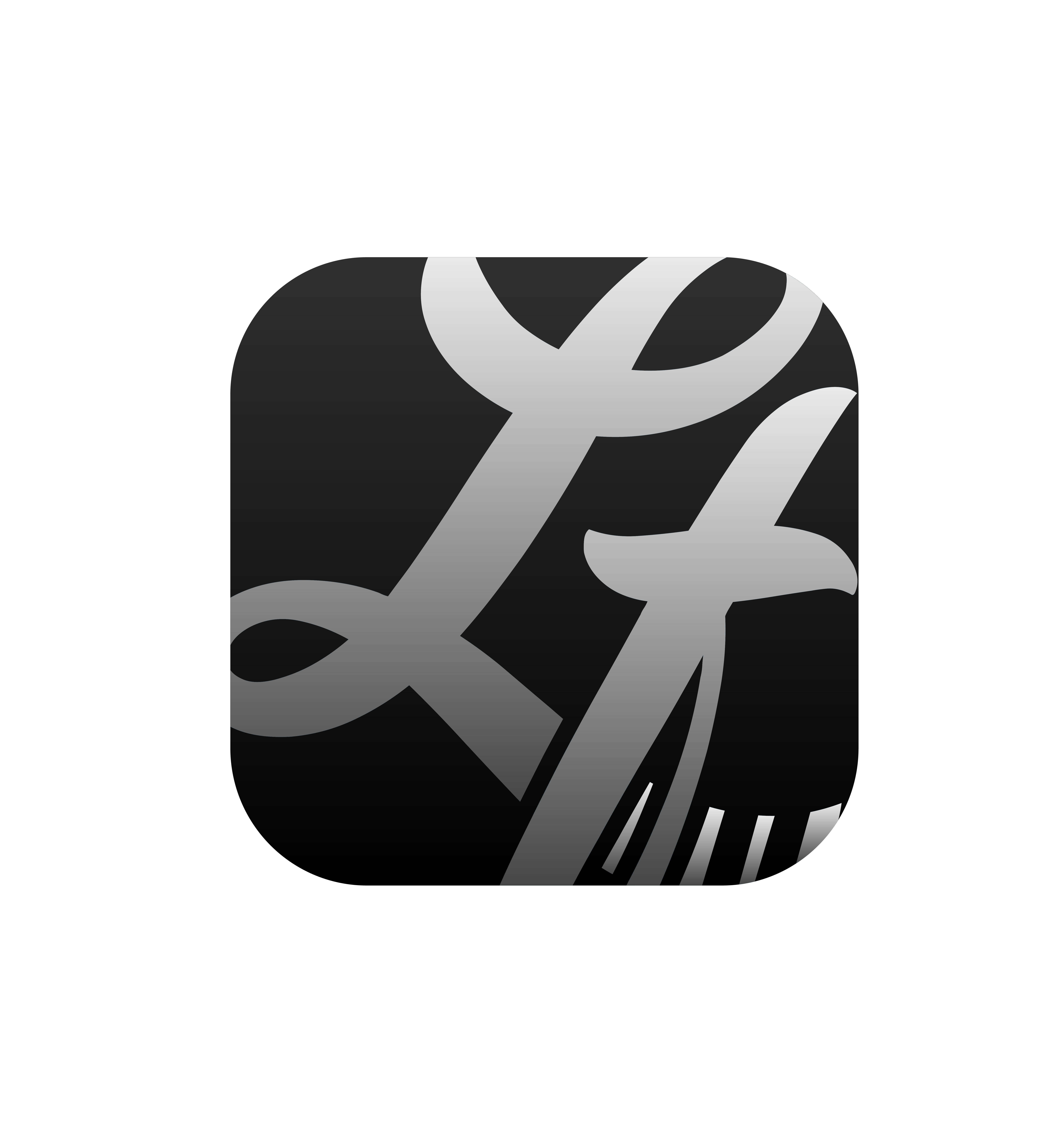
Tinded Mode

Dark Mode

Light Mode
Results & Impact
Presentation Recognition: Presented to an audience of 20+ individuals and praised for its inclusive accessibility focus, clean visuals, and intuitive UX.
Key Takeaway: Proved that designing intentionally for an underrepresented user group creates a superior, more flexible product for everyone.